

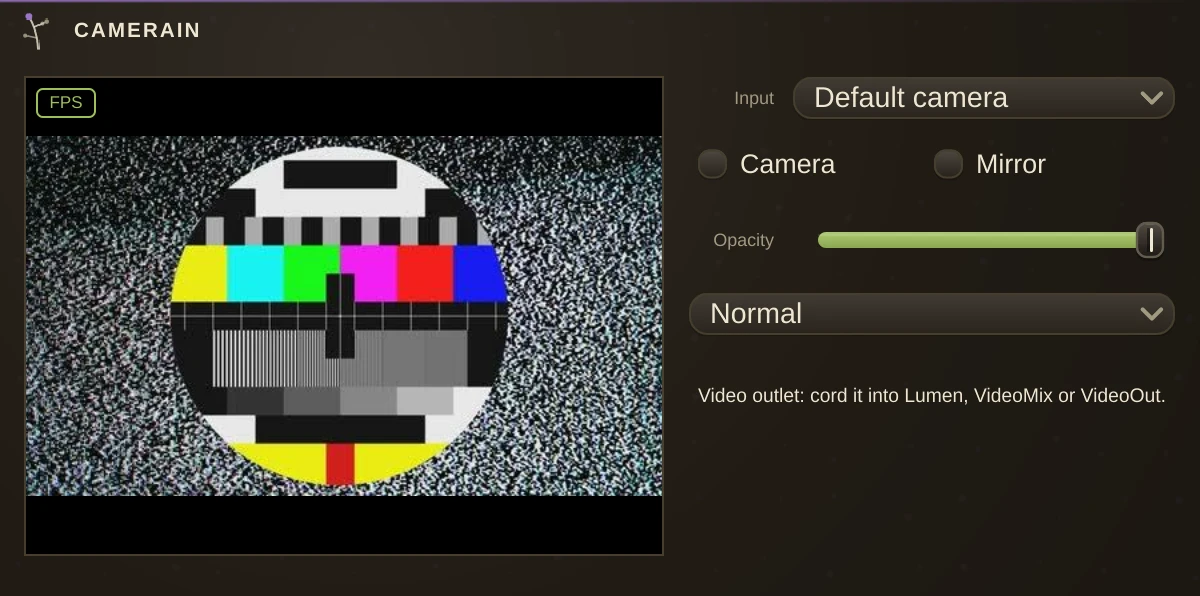
The webcam as a video source. Turn on Enabled, cord the video outlet - the video-coloured pin - into one of Lumen's video inlets, a VideoMix or a VideoOut, and the live picture becomes a layer like any tape. Video cords are the third cord domain beside audio and MIDI, drawn in their own colour.
Input picks which camera, when the machine has more than one. Mirror flips the picture left to right, which is what you want when you are performing in front of it: unmirrored, leaning left moves you right on screen.
Opacity and Blend (Normal, Add, Multiply, Screen) set how the layer composites at the display, exactly as a VideoPlayer's do - so a camera feed can sit under a shader, screen over a tape, or crossfade against one in a VideoMix. Both are ordinary params, automatable and modulation-routable.
Privacy
The camera opens only while Enabled is on, and the system asks permission the first time. The frames never leave Humus: they go to the display and nowhere else.
Notes
CameraIn is a picture, not a controller. To play something with a camera, use Hands - it tracks a real hand skeleton and sends MIDI, which is what the motion tracking that used to live here was reaching for.
Camera capture is macOS, Windows and Linux; the video display chain it feeds is macOS-only for now, so elsewhere the camera opens but the layer stays dark.
Parameters
| Enabled | opens the camera. Off means closed, not just hidden. |
| Input | which capture device, when there is more than one. |
| Mirror | flips the picture left to right, so it matches your view. |
| Opacity | how strongly this layer shows over the ones beneath it. |
| Blend | how it combines with those layers: Normal, Add, Multiply or Screen. |